KizamuBeam manual
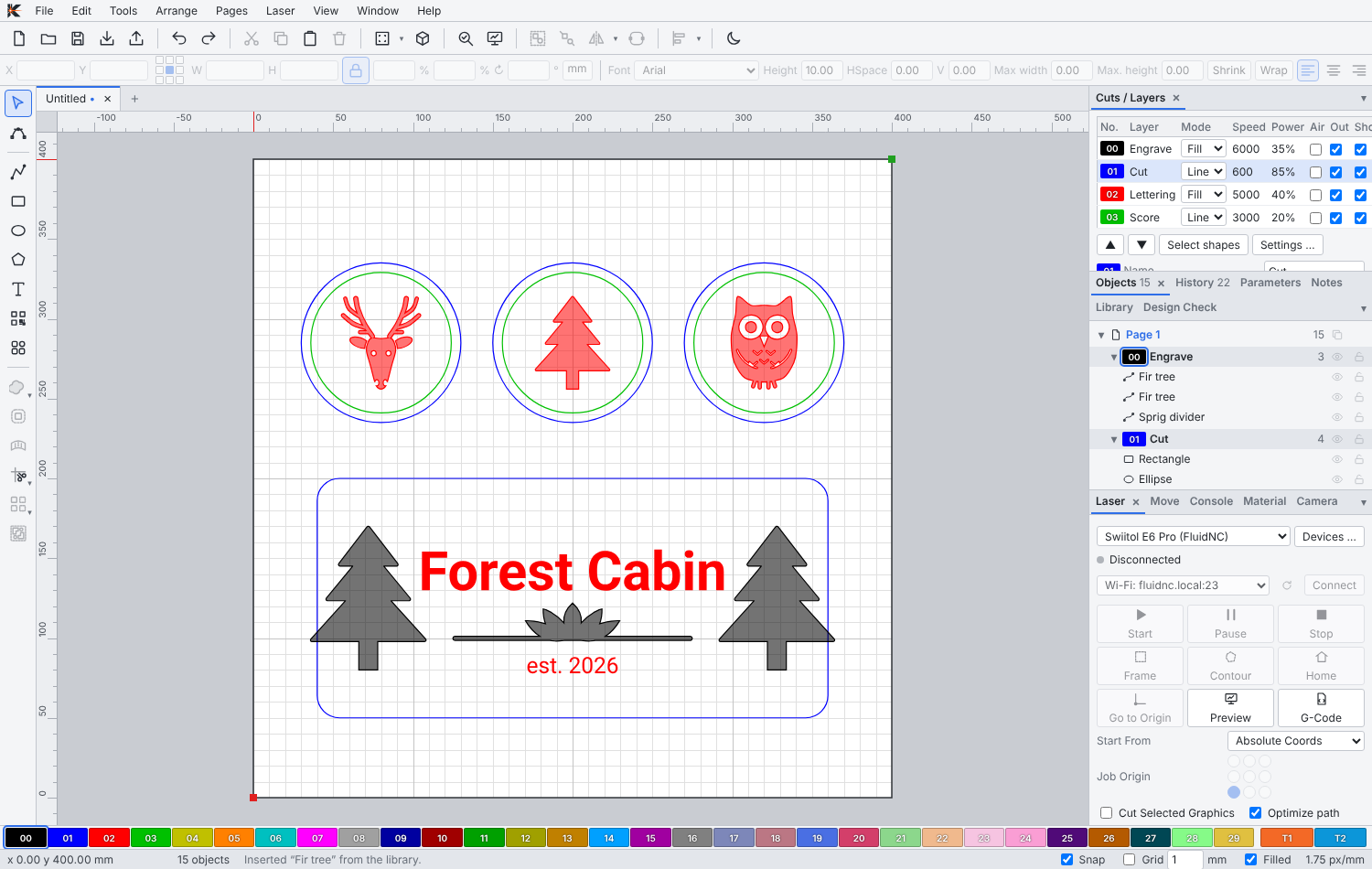
KizamuBeam takes you from the first idea to the finished piece in one app: draw and write directly on the workspace, turn photos into engravings, generate boxes, gears and slot-together models, check everything in 3D and send the job straight to your laser. It is free software (GPL-3.0), needs no account and runs on macOS, Windows and Linux.
Where to start
| You want to … | Read |
|---|---|
| Install KizamuBeam | Installation |
| Find your way around the window | The user interface |
| Laser something today | Your first project |
| Connect your laser | Connecting a laser |
| Look up a shortcut | Keyboard shortcuts |
| Fix a problem | Troubleshooting |
About this manual
This manual is new and grows with every release. Pages that are not written yet point to the complete feature list, which describes every function with its menu path.
The manual lives in the same repository as the app. Found a mistake, or want to add a page or a translation? See Contributing to the manual. Questions are welcome on Discord.